Card, digital wallet or crypto. The balance stays in your Polymarket account — never with Layback — and that is what your bets draw on.
The Polymarket account you created in step 1, already signed in.
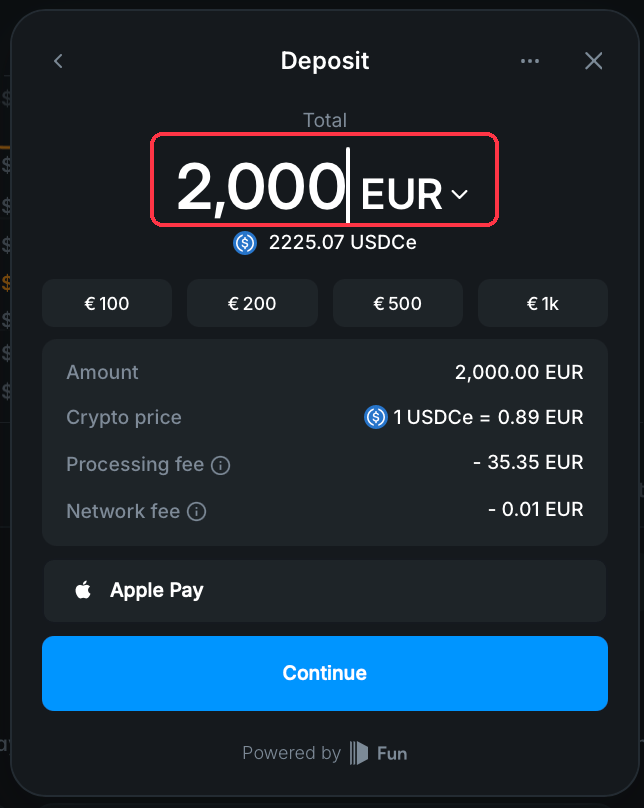
Polymarket settles everything in USDC, a digital dollar that is always worth about US$ 1. You deposit in your card's currency and Polymarket converts — the screen shows how much USDC will land before you confirm. The deposit screen spells it USDCe: same thing, just the name of the version that runs on the network they use.
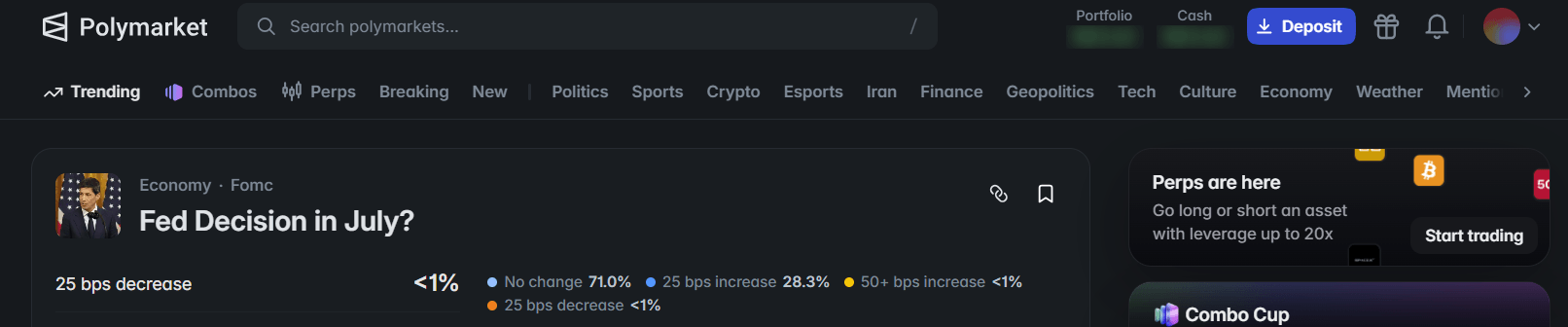
With your account signed in, click Deposit at the top of the page. A dialog opens with two tabs: Use Cash for ordinary money, and Use Crypto for people who already hold crypto.
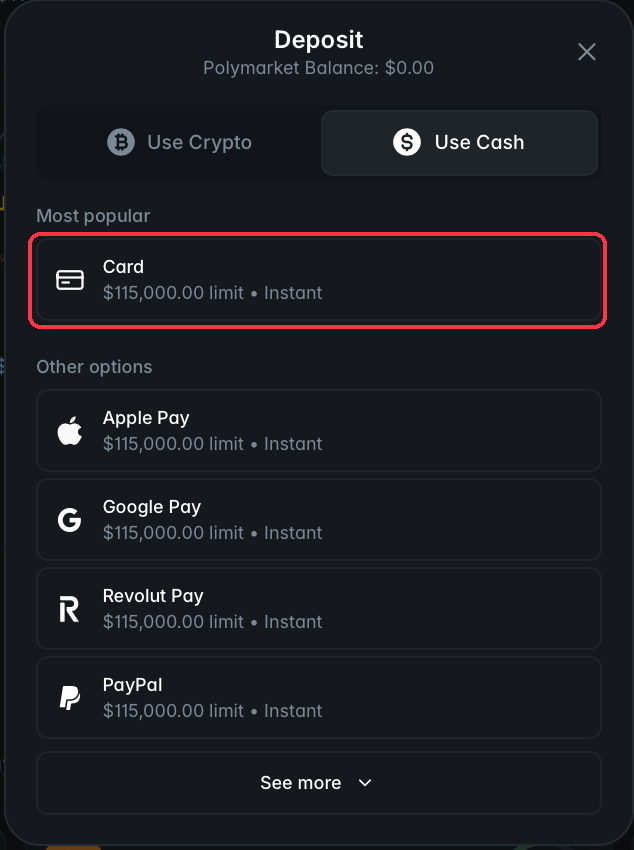
On the Use Cash tab, Card sits under *Most popular* — the most direct route. Below it, under *Other options*, you get Apple Pay, Google Pay, Revolut Pay and PayPal, and See more opens the rest. Each method shows its own limit and speed next to the name, so you can compare without entering any of them.
On the Use Crypto tab there are two routes: Transfer Crypto, to send from your own wallet, and the exchange connection (Coinbase, Binance), which pulls the amount from there without you copying an address.
Type the amount, or use one of the quick-amount buttons. Right below the field you see how much of it becomes USDCe, and the summary breaks the maths down: Amount (what leaves your account), Crypto price (the rate used), Processing fee and Network fee. All of it before you confirm — if the final number is not what you expected, this is where you find out, not afterwards.
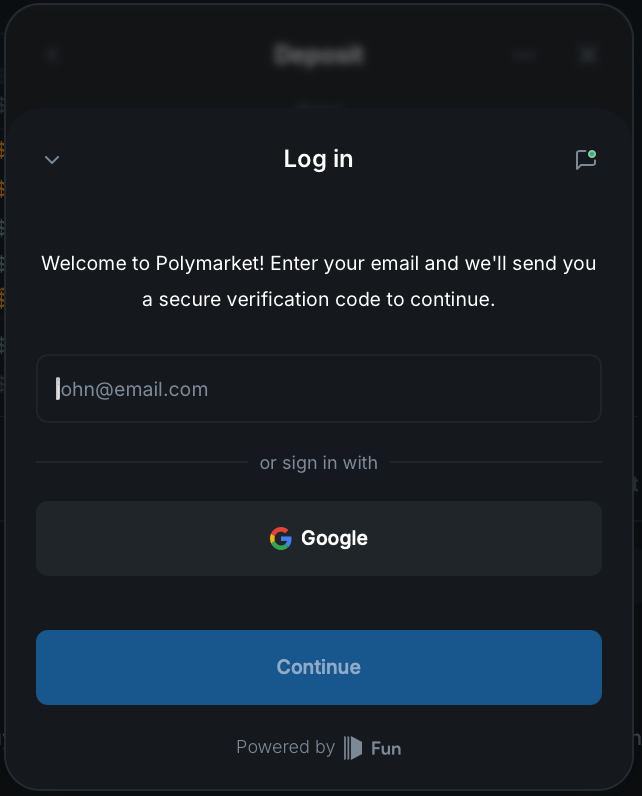
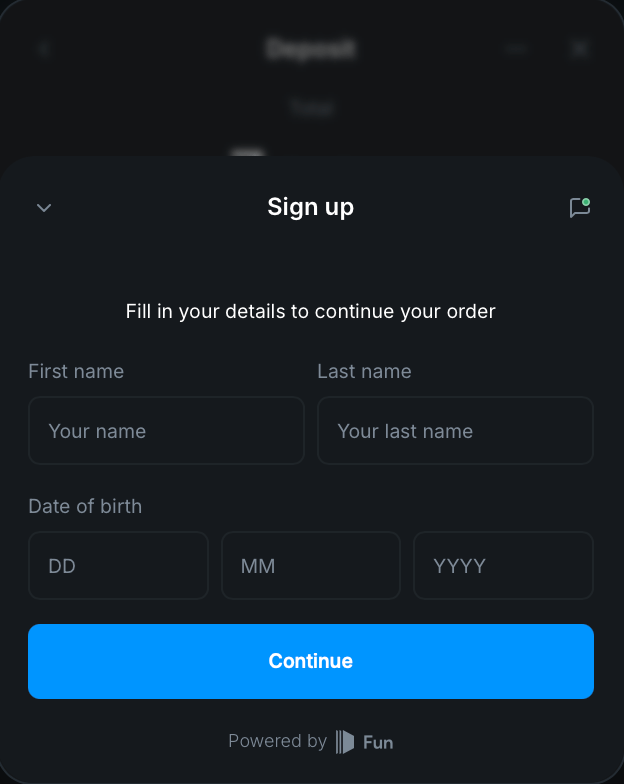
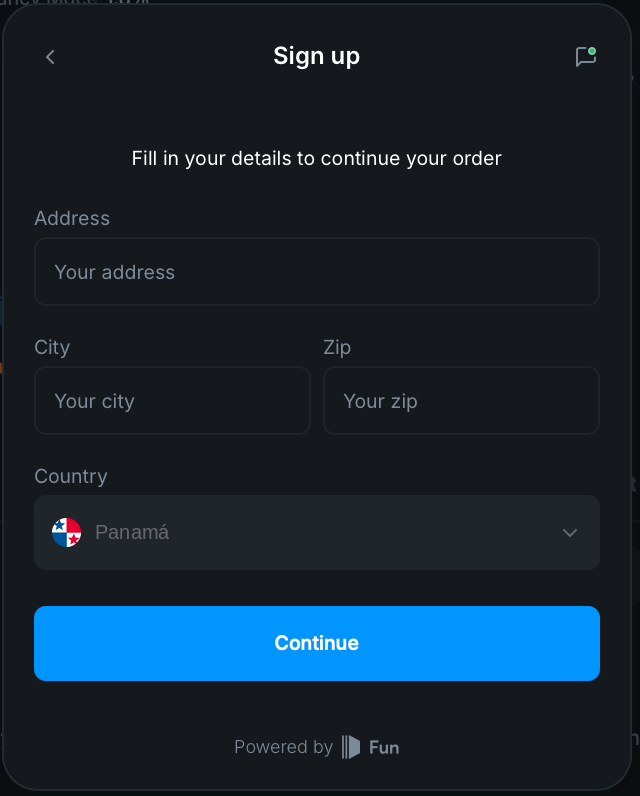
On the first time only, the payment processor asks for three more screens. It is the processor asking, not Polymarket and not Layback — notice the footer on those screens says Powered by Fun, the service that handles the card.
First screen: email. It sends a verification code to confirm the address is yours.
Second screen: who you are. First name, last name and date of birth.
Third screen: address. Address, city, zip code and country.
Once approved, your balance appears at the top of Polymarket. Card usually lands immediately, but it can take up to about 15 minutes.
With a funded account you can already bet on Polymarket itself. Step 3 connects Layback X so you can do it on a ladder, with one-click back and lay, instead of through their card interface.
Wait about 15 minutes and reload the page. If it is still zero, contact Polymarket support with your payment receipt — the money is on their side, so that is where it gets resolved.
It depends on the method, and Polymarket shows the minimum on the amount screen itself. For crypto transfers it tends to be around US$ 10.
Cards often decline the first international attempt. Check with your bank whether the charge was blocked and whether international purchases are enabled, then try again.
No. The deposit is between you and Polymarket, and Layback never touches that money. The only fees are the ones the deposit screen shows.